
How to Bind Wallet Plugins Like Metamask to Environments? Practical Rules for Web3 Multi-Wallet Anti-Association
A new environment is ready, Metamask is installed, and you are about to import a wallet, yet the extension panel still shows site approvals left over from the previous environment's connections. The reverse happens too: someone assumes a new environment means separation, several environments end up logged into the same batch of accounts in their wallet plugins, and once the address list goes up for review, the studio's mapping is a mess.
Both symptoms point to the same fact: wallet plugins are not installed in the browser; they are installed in a specific environment. The plugin itself, the sites it has connected to, and the login states inside the extension all live in the environment's container. Only when environments are separated does plugin data separate. If environments are not separated, or the plugin lands in the wrong place, multiple wallets are just multiple exposures on the same chain. This article covers only the binding layer: where plugin data lives, the order to install and import, and how to keep the ledger. How on-chain interaction records get clustered and analyzed by project teams is a screening-side question; the airdrop sybil screening article already broke down that workflow, so it will not be repeated here.
First, Understand Where Plugin Data Lives in an Environment
A browser's extension capabilities run inside the environment container. Data written by plugins like Metamask after installation lands in the current environment's extension storage, on the same layer as cookies and site login states, all part of the environment container. Close the environment and the data stays inside it. Delete the environment and the plugin, along with its approval records, disappears with it.
This ownership decides two things:
- First, isolation granularity is the environment, not the window. However many tabs you open inside the same environment, the plugin stays one and the same.
- Second, who on the team installed a plugin and which accounts were imported cannot be seen from the shared browser interface; it has to be checked environment by environment.
So there is only one binding principle: one environment corresponds to one set of plugin data, and the plugin, the seed phrase, and site approvals all belong to that environment. Every section below deals with what happens when this principle is broken.
In What Order to Install and Import
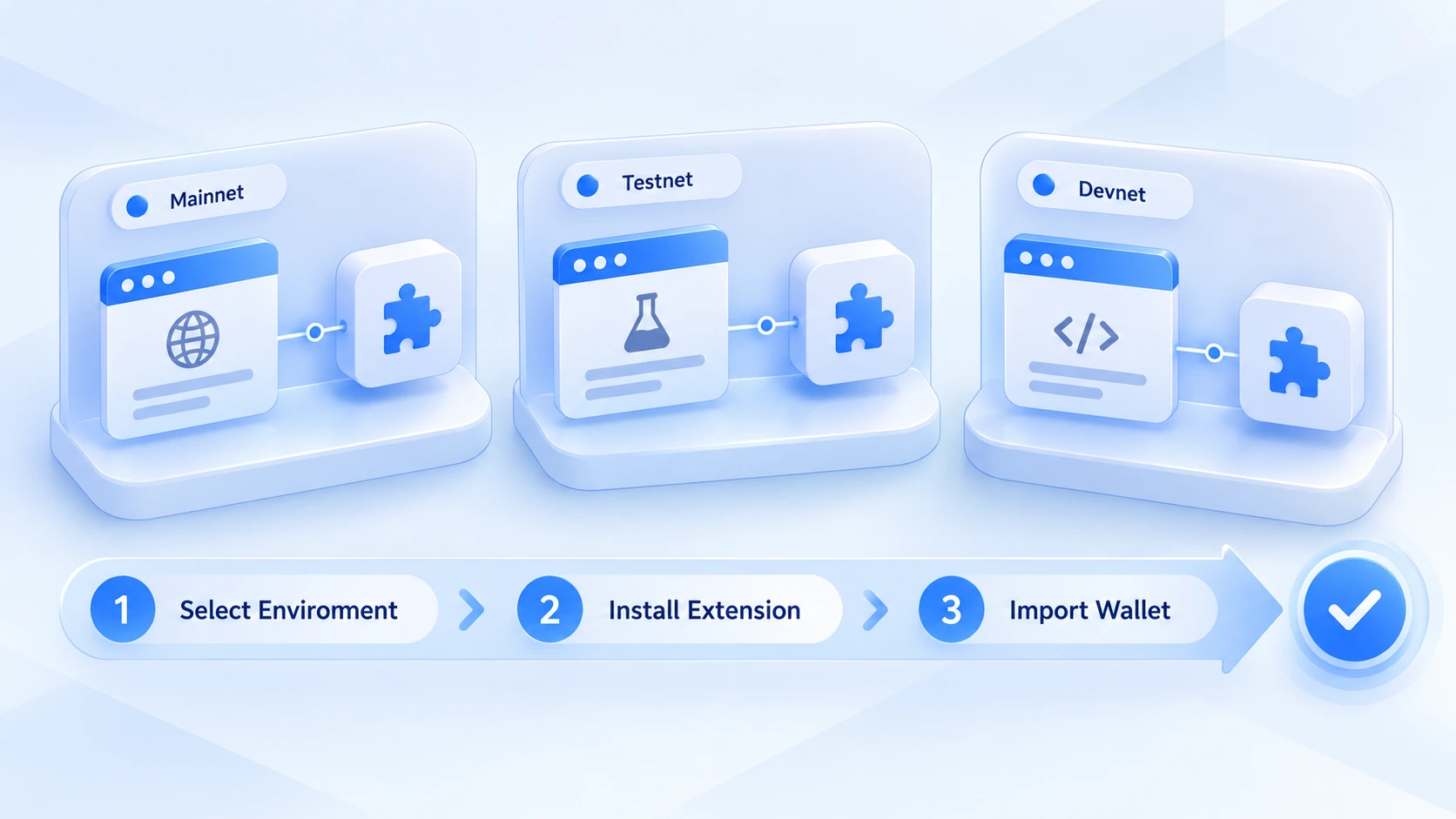
For multi-environment teams installing wallet plugins, the wrong order means rework. Follow the rhythm below and keep every step inside its own environment.
- Pick the target environment before touching anything. Confirm in the environment list which one you are configuring, and include the purpose in the name, such as "Airdrop-Wallet A" or "Airdrop-Wallet B", so nothing lands in a shared or test environment.
- Install the plugin inside that environment. Get the installer from official channels, and once it is installed do not rush to import; confirm the extension really shows up in this environment instead of trusting a memory of "should already be installed".
- Import or create the wallet. The seed phrase is only needed at the moment of import; mind your physical surroundings during that step, store it afterward according to the team's key management rules, and never write the seed phrase into any note or spreadsheet.
- Verify the account address. After importing, copy the first few characters of the wallet address and check them against the environment ledger to confirm the expected account is in place. A wrong address means every later interaction counts toward the wrong identity.
Teams building their first environment should also go through the environment's own settings (proxy, fingerprint parameters); the checklist in new environment setup: 8 must-check items works as a reference, and environment-level parameters are not covered here.
Manage the Account-to-Environment Mapping with a Ledger
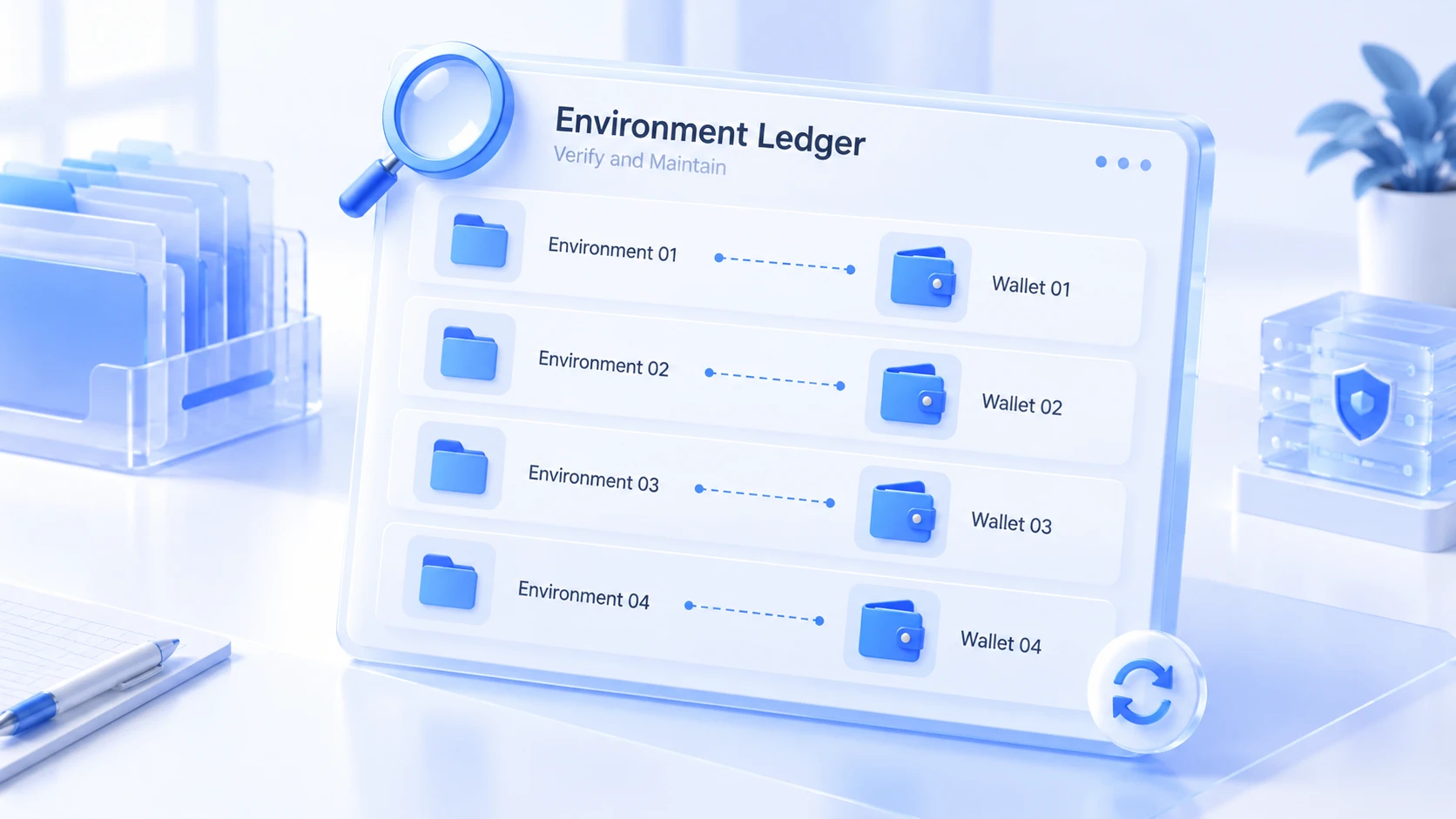
When multi-wallet setups go wrong, it is rarely the technology; it is forgetting which address belongs to which environment. Projects you have interacted with for a while will get reviewed, and the ledger is the first thing to open when that happens. A workable mapping table includes these columns:
- Environment name and purpose, pointing to where the wallet plugin lives.
- Wallet identifier and address traits, recording the first or last few characters; full addresses are stored under key-handling rules.
- Bound networks and the main projects interacted with, with the latest interaction date noted.
- Owner, handed over row by row, never by word of mouth.
Recording only the head and tail of an address is deliberate: the ledger circulates within the team, and a full address, while different from a private key, is still sensitive information; apply the minimum-necessary principle to limit exposure. Once the mapping table exists, a newcomer taking over an environment reads the ledger first and the environment second. Only when the two match does the work begin.
Three Common Binding Mistakes
In practice, the recurring problems cluster in three places.
Mistake one: the plugin was installed into a shared environment. Some teams keep a "shared environment" for downloads and common extensions, and the wallet plugin gets swept in, after which anyone can open the wallet panel in that environment. A plugin in the wrong place breaks the isolation boundary right there. Once discovered, import the seed phrase into the correct environment and start over, and remove the plugin from the original environment.
Mistake two: switching accounts across environments. To save effort, seven or eight accounts are imported into one environment's Metamask and switched from the account list. The plugins are separate, but the accounts sit in the same extension data. Site approvals and connection records pile up together, which is no different from stuffing multiple wallets into a single environment. The right granularity is still one environment, one set of accounts.
Mistake three: leftovers not cleared. The plugin is uninstalled, but site approval records and cache directories remain in the environment. Reusing environments has its own rules; how environment isolation works covered the boundaries of reuse, and environments that involve wallets are best rebuilt from scratch rather than cleaned and reused.
Managing Wallet Plugin Environments with MostMate
Once a studio's wallet count grows, the hard part becomes three questions: which wallet is installed in which environment, who operated it last, and where to start checking when something looks off. Relying on memory and scattered spreadsheets means every handover creates a fresh mess.
MostMate is an AI antidetect browser built for multi-account scenarios, and wallet plugin management can run inside its environment system:
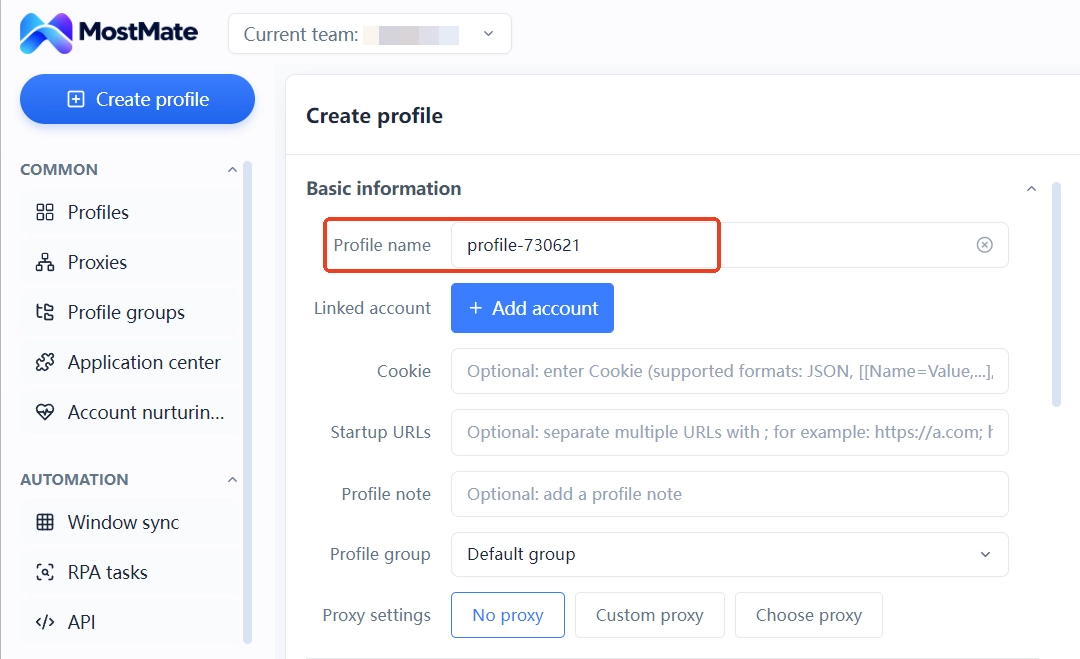
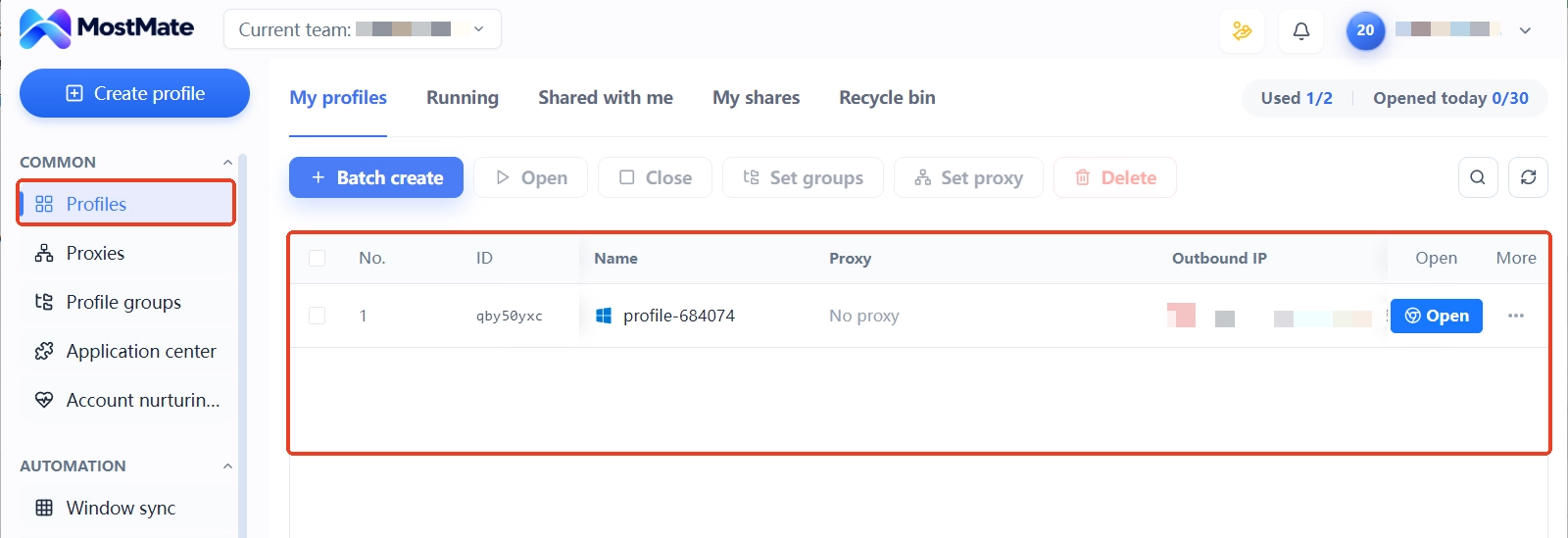
1. Create one environment per wallet. Each wallet gets its own environment, named by purpose, with independent proxy and fingerprint settings.
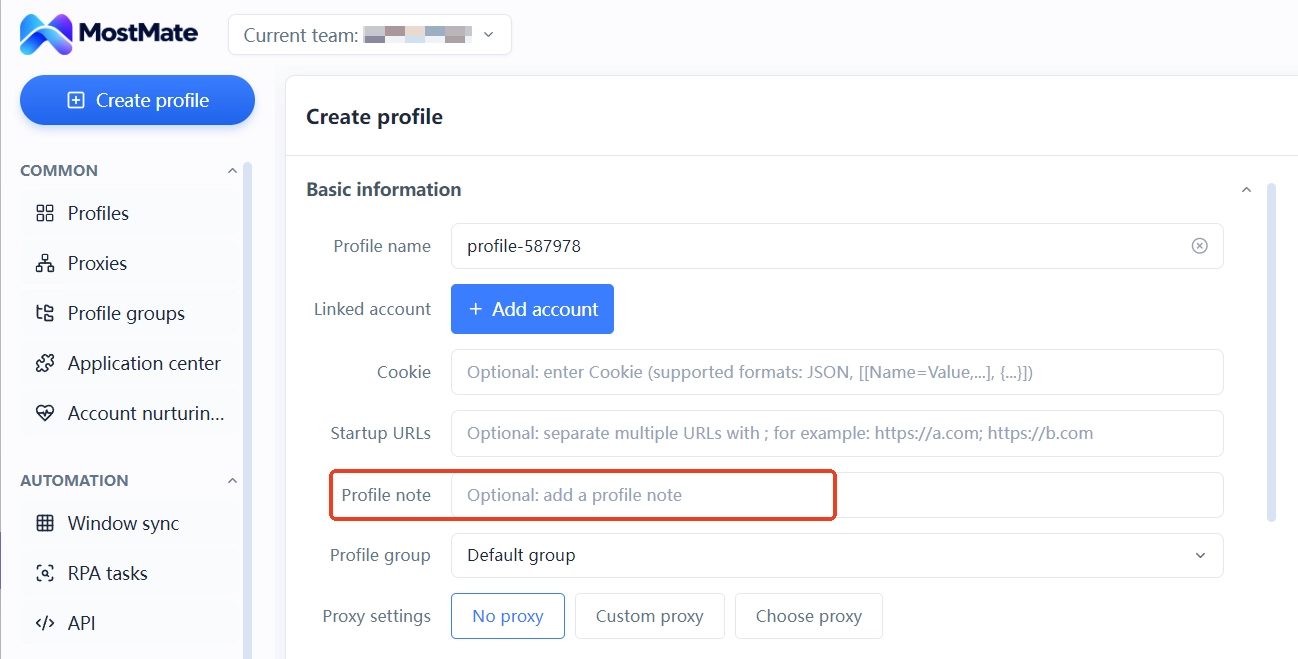
2. Keep the ledger in the environment notes. Address traits, bound networks, and the latest interaction time go into the notes, bound to the environment by default, with no separate spreadsheet needed.
3. Fix a single point of operation. Who owns which environment and when it was last touched can be reconstructed from environment records, so handovers follow the notes.
4. Recheck the mapping regularly. Each month, open the environments one by one against the ledger and compare address traits; when something does not match, suspend first and investigate after, using the checklist in multi-account anti-association self-check.
Know the limits as well: MostMate handles isolation and record-keeping at the environment layer, so environments never bleed data into each other; it cannot govern on-chain behavior. Fund flows between wallet addresses and interaction similarity are visible to project teams directly on-chain; planning for that belongs to the funding layer, not the browser layer. For the overall approach to environment management, start from the MostMate product page.
FAQ
How many wallet plugins can one environment hold?
Several plugins from different providers can coexist, say Metamask plus Phantom, each one independent. But multiple seed phrase sets from the same provider should not share one environment; the environment is the most reliable granularity for separating accounts.
If a plugin is uninstalled, does its data go away?
The entry disappears from the extension panel, but some residual data inside the environment may not. For environments that touch wallets, re-evaluate against the new-environment standard before reuse; when in doubt, rebuild from scratch.
Can seed phrases be written into environment notes?
No. Notes circulate within the team; a seed phrase is key-level information and must be stored separately under the team's key management rules, with only address traits and wallet identifiers recorded in the ledger.
Wallets are split by environment, so why do they still get flagged as sybil?
Environment isolation addresses browser- and IP-layer signals. On-chain funding sources, interaction timing patterns, and behavior models are another layer, one that project teams read straight from chain data. Splitting funds across different channels and staggering interactions are habits that lower risk, and that planning happens at the funding and operations layers; no browser can substitute for it.
Do wallet plugins need reinstalling after switching computers?
Environment data travels with MostMate's environment system; once you log in, the environments are there, and so are the plugins and approval records, with no need to reinstall one by one. The precondition is that environment data has synced to the team space; environments stored only locally need syncing handled before the switch.
Conclusion
At the binding layer, multi-wallet anti-association comes down to three things: plugins installed per environment, seed phrases imported inside the environment, and the address-to-environment mapping recorded in a ledger. With these three steps done solidly, browser-layer signals can be considered clean. The on-chain layer needs its own funding plans and interaction scheduling, handled separately.
If you are managing a set of airdrop environments, start with the mapping ledger: register the wallet ownership of your existing environments one by one, begin with two columns for address traits and bound networks, carry the ledger directly in MostMate's environment notes, and check environments one by one. If you have not set up environments yet, start from downloading MostMate, create one environment for each of your two most-used wallets, and scale up once it runs smoothly.

MOSTMATE
Secure Multi-Account Management, Made Simple
Start with your first account and use MostMate to build safer, smarter, and more efficient multi-account operations.
- Independent profiles. Consistent identities.
- AI Automation · Account Health · Team Operations



