
Why Free Proxies Get Your Accounts Banned: From IP Reputation to Traffic Interception
A team running five ecommerce accounts puts every account on the same free proxy list to save a small monthly proxy bill. Two months later, all five accounts land on the platform's risk-control lists, and one gets flagged for an unusual login location. Only during the second verification step do they discover the real damage: the linked email address no longer receives mail, because the email account's login credentials also traveled across the same free proxy line.
Post-mortems of losses like this almost always trace back to the same starting point. The problem with free proxies is not that they are "slow" or "drop connections now and then"; it is the business model itself. When you do not pay, someone else pays for you, and the one paying gets your traffic in return.
There is more than one way free proxies destroy accounts: IP reputation is dirty out of the box, traffic gets read in transit, addresses change without warning, and nobody takes responsibility when things fail. This guide breaks the risks down layer by layer, explains how to judge when a free tier is enough, and walks through the concrete steps to migrate off free proxies.
Risk 1: IP Reputation Is Burned Before You Even Connect
When a platform decides whether an IP is trustworthy, it looks at the address's history, not at how clean your browser setup is today. Free proxy addresses come from public lists, and a single IP range may have served hundreds of people running signups, bulk sends, and scrapers. The platform's blacklist systems flagged it as high risk long ago.
This flips an assumption many new users get backwards: switching to a free proxy often triggers risk controls more easily than using your home broadband. A residential IP at least has a real home owner and a normal usage history, while a datacenter address passed around by hundreds of users reads as shorthand for high-risk behavior.
To check where your current IP stands, use our IP trust score self-test guide to review it region by region. If the score is already low, verify the IP's ownership and blacklist records before touching anything else.
Risk 2: Traffic Interception, Your Credentials Are Being Read
This layer hits your money directly, and it is the easiest to miss.
HTTP proxies do not encrypt anything. When you log into an inbox, enter a platform dashboard password, or paste a Cookie over a free proxy line, all of it is plaintext to the proxy operator. Security researchers have documented the same pattern for years: some free proxies inject ad scripts, some replace page content, and a few capture login credentials outright. In other words, you can make your anti-fingerprinting setup spotless and still hand over the account's keys.
HTTPS sites block content tampering, but two things remain exposed:
- Connection metadata: which domains you visit, when, and how much traffic moves, all visible to the proxy operator, enough to reconstruct your operating patterns
- Downgrades and phishing: if any step in your workflow still sends plain HTTP (API calls from certain tools, image loading), that traffic is wide open
What multi-account operations fear is not "being seen" but leaked credentials and sessions. Treat every login that crosses a free proxy line as exposed by default.
Risk 3: IPs Change Without Warning, Breaking Environment Consistency
Free proxy lists are usually rotation-based: today you get a US address, tomorrow you connect from Germany, and the day after the address is simply dead. For casual browsing that is fine. For multi-account operations, you are manufacturing a fingerprint-and-IP mismatch with your own hands.
Inside each account's environment, the browser fingerprint describes one stable device, while the IP describes where that device is located. When the IP switches countries every day, the platform sees a machine with an identical fingerprint that logs in from a different continent each day, which looks far more suspicious than sticking with one low-reputation IP. You find a fuller breakdown in how proxy bans actually work; that article covers problems paid proxies face too, and free proxies multiply how often they trigger.
Risk 4: No SLA, You Absorb Every Failure Cost
One core value of a paid proxy is the service commitment: dead addresses come with replacements, and outages get ticket responses. Free proxies offer no commitments, and the costs you absorb go beyond "it does not work":
- Troubleshooting time: you cannot tell whether the proxy died, the configuration is wrong, or the account itself has a problem, and every misjudgment slows your whole account cadence
- Hidden losses: window syncs and automation jobs that drop mid-run leave half-finished operation records behind, and platforms archive those traces too
- Queuing and throttling: bandwidth on free lines is shared by everyone, so peak-hour disconnects and reconnects happen far more often than on paid lines
In one sentence: free proxies convert a proxy fee into troubleshooting time plus account risk, and for any account operation of real scale, that trade loses money.
When the Free Tier Is Acceptable
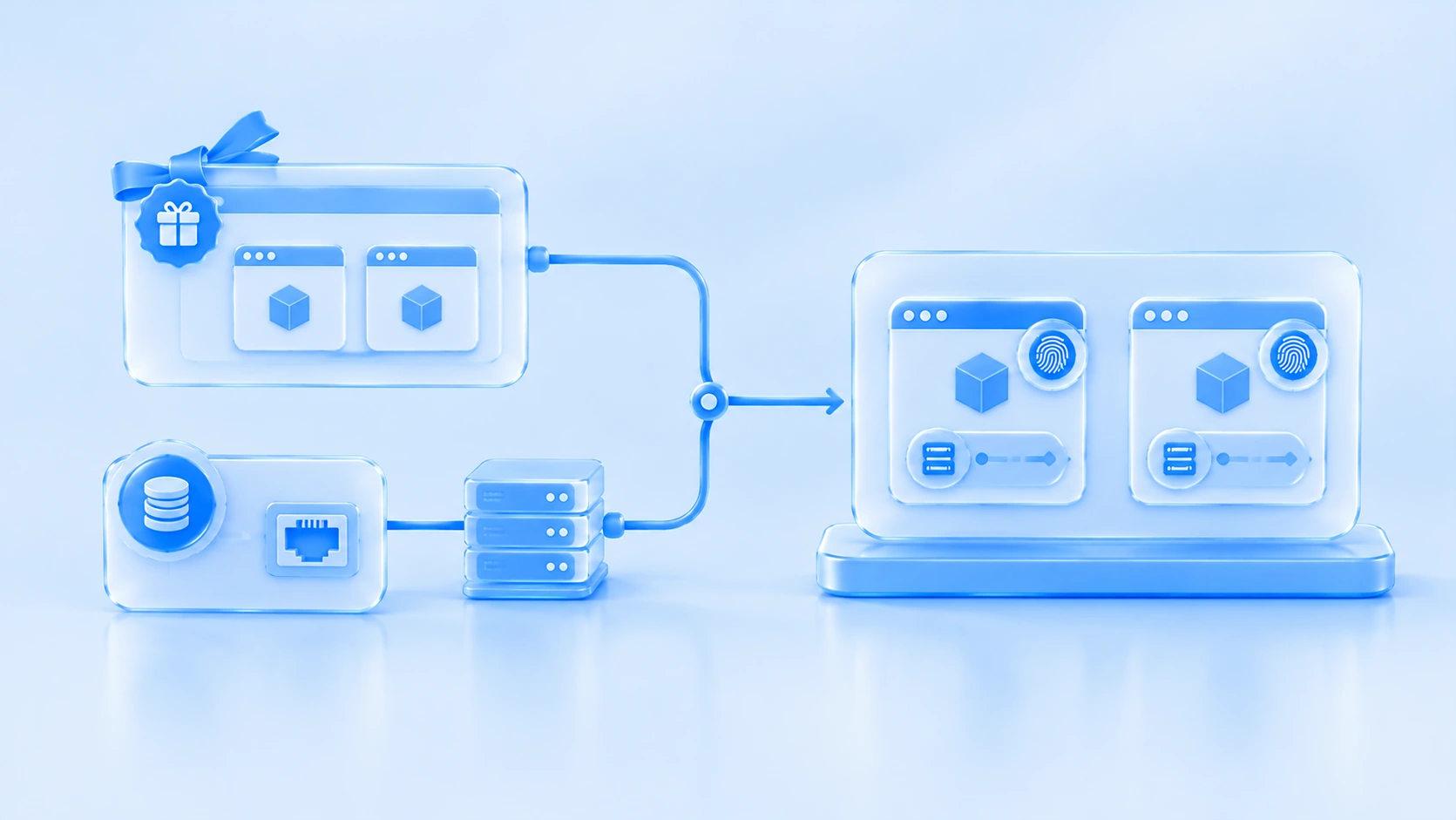
Separate free environments from free proxies and the picture clears up.
Free proxies (public lists of unknown origin) should never touch your accounts in any scenario; none of the four risk layers disappears because "your account is not important." A vendor's free environment tier is a different matter: it removes the software subscription fee, while the proxy itself is still something you buy yourself. Line quality and privacy depend on the proxy provider you choose, not on the vendor's free policy.
For MostMate anti-detect browser, the free plan includes 2 environments and 2 member seats and supports all four proxy types: HTTP, HTTPS, SOCKS5, and SSH. A low-cost starting combo looks like this: run the software on the free tier, buy the smallest paid proxy package, move your two most important accounts into isolated environments first, and add environments as your account count grows once the workflow proves stable. Environment quotas and prices for each tier are on the pricing page.
Migrating Off Free Proxies: Three Steps, Not All at Once
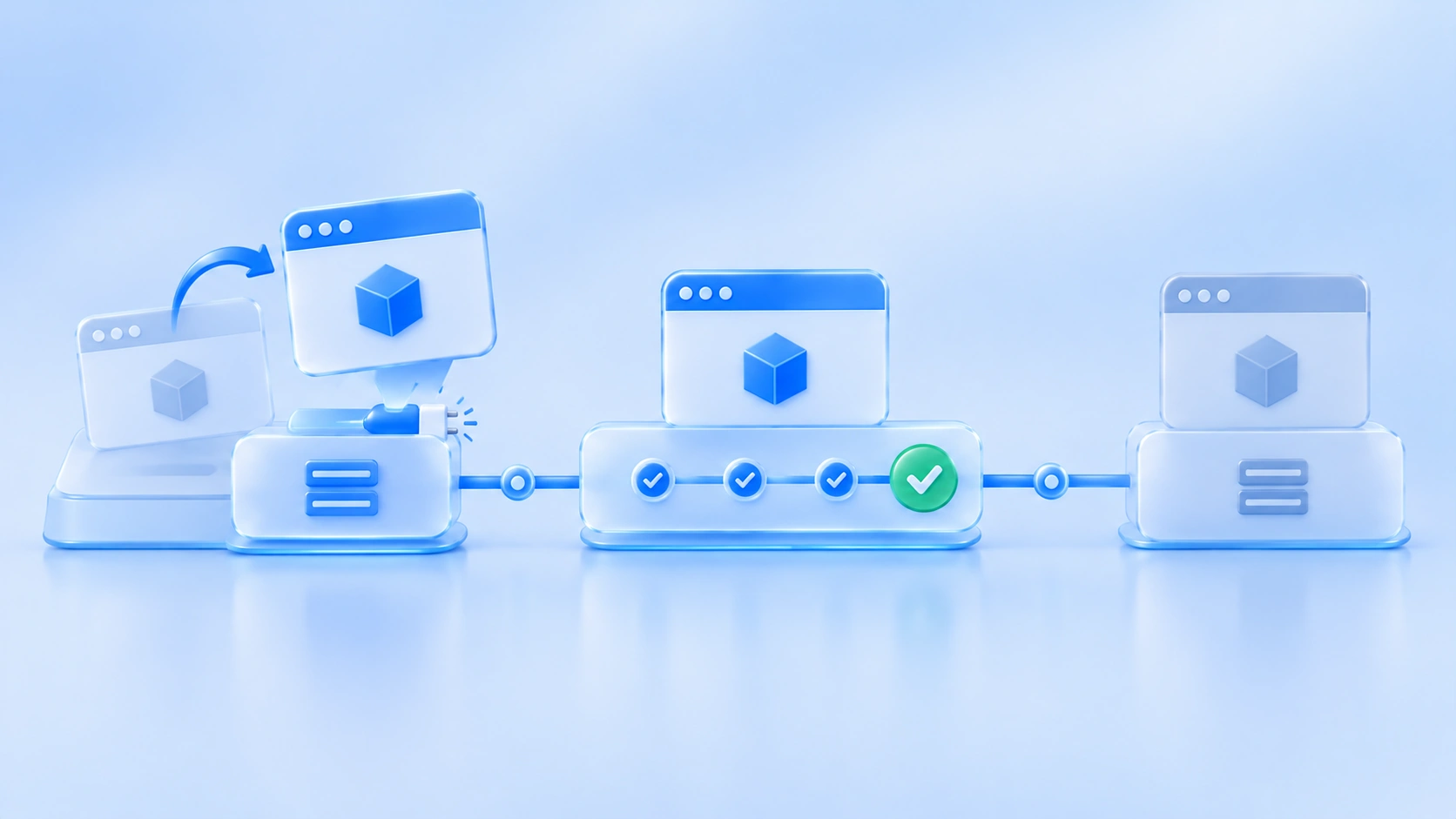
For accounts already on free proxies, the worst migration move is "read this article today, swap every IP tomorrow." A sudden address change is itself a risk signal. Pace the migration:
- Rank accounts by value: migrate the highest-revenue, hardest-to-replace account first, one at a time, watch for three to five days to confirm nothing looks odd, then move the next
- Acceptance-test the new proxy before go-live: changing lines is not done until you verify availability and logical consistency (location, timezone, and language matching the environment setup); for the full checklist see the two-layer proxy acceptance check
- Freeze sensitive operations during migration: in the first week after an IP change, avoid high-risk actions like password changes, payment bindings, or bulk publishing, and let the platform adjust to the new network profile first
If an account is already misbehaving because of free proxies, do not immediately swap lines again. Diagnose by the type of anomaly first, starting with the environment-consistency section of the general incident workflow for multi-account anomalies.
Evaluate the Tool and the Proxy Together
A proxy is only one layer of a multi-account stack. When you evaluate the whole setup, anti-detect browser comparisons usually rank tools by fingerprint parameters and team features, which makes a useful first filter. Use price comparisons against the free tier's environment quota and incremental cost, because that quota decides how many accounts you can isolate, and it enters the decision earlier than any feature list. After changing parameters, verify that the environment actually reports consistent values externally using a detection page rather than trusting the parameter list. For proxy type selection (residential or datacenter, SOCKS5 or HTTP), the residential vs datacenter IP guide gives criteria by business stage.
Frequently Asked Questions
Where is the gap between free and paid proxies biggest?
Not speed. Trust and privacy. Paid proxies cover IP reputation (maintained pools, replacement for dead addresses) and service guarantees (SLA, ticket response). Free proxies are blank on both, and add a traffic-interception risk on top. For multi-account operations, the first three layers (blacklists, interception, instability) each hit account survival directly.
If I use a free HTTPS proxy, is traffic interception still a risk?
Partly. An "HTTPS proxy" describes the connection between the proxy and the target site. The leg from your device to the proxy server can still be plaintext, and the proxy always sees which domains you visit. Credential protection needs end-to-end HTTPS plus a trustworthy proxy operator, and free proxies fail the second condition.
Budget is tight. What is the cheapest reliable setup?
Start with the MostMate free plan (2 environments) on the software side and buy the smallest paid residential or static datacenter package on the proxy side, usually a few dollars a month. The premium over a free proxy buys out blacklist risk and traffic privacy, the highest return per dollar in a multi-account operation. As your account count grows, add environments and proxy capacity as needed.
Wrapping Up
The problem with free proxies cannot be summarized as "poor quality": IP reputation is dirty out of the box, traffic passes through someone else's hands, addresses drift with rotation schedules, and failures have no safety net. Each of the four layers attacks a different link in the account survival chain. The order of operations is simple: move your most important accounts off free lines first, one at a time with acceptance checks, then control startup costs with a free-environment-plus-paid-proxy combination. In the cost structure of a multi-account business, the proxy fee is an insurance premium, not an expense.

MOSTMATE
Secure Multi-Account Management, Made Simple
Start with your first account and use MostMate to build safer, smarter, and more efficient multi-account operations.
- Independent profiles. Consistent identities.
- AI Automation · Account Health · Team Operations



