
When a Sales Rep Leaves, Do WhatsApp Customers Follow? A Migration Checklist for Locking Chats into Environments
Once a team decides to move WhatsApp chats into company environments, most of them stall right after pressing the button: which of the dozens of business numbers to move first, what to do with the history sitting on employees' phones, and whether everything drifts back to the old way three months later. The three leak channels (walking out, going dormant, ban contagion) and the logic of chat isolation were covered in the previous article, so this one sticks to what that article left out: how to sequence the batches, how to move existing history, six common ways teams crash, and how authorization differs across four kinds of people. Follow the checklist once and you skip a round of tuition.
Who to Migrate First: Sequencing Your Business Numbers
Trying to move everything at once is usually where the rollout fails. Deals a rep is actively working get interrupted, customers notice immediately, and team resistance surfaces in exactly that window. The right approach is batching, ordered by three variables:
- Batch one: numbers already registered to the company. Verification codes and backup codes are already in company hands, so the migration only changes the login carrier, not the root, which keeps risk contained and makes it a good dry run for the process.
- Batch two: numbers carrying the most active negotiations. Where history gets checked often, the payoff shows up immediately: whoever takes over can pull up the parameters and quotes a customer last asked about at any time.
- Batch three: groups with high turnover risk. For teams with resignation rumors or reps suspected of running private deals, the earlier you migrate, the earlier losses stop.
One category should be deferred: numbers still registered under a rep's personal name. Get the order wrong and you hang the company's nameplate on a root someone else still holds. Finish converting the number to company ownership first, then queue it for migration, never the reverse.
Also pick your timing. Avoid peak season and major sales events, choose a window with a calm order rhythm, and leave a few days of observation for acceptance.
How to Move Existing Chat History: Four Steps
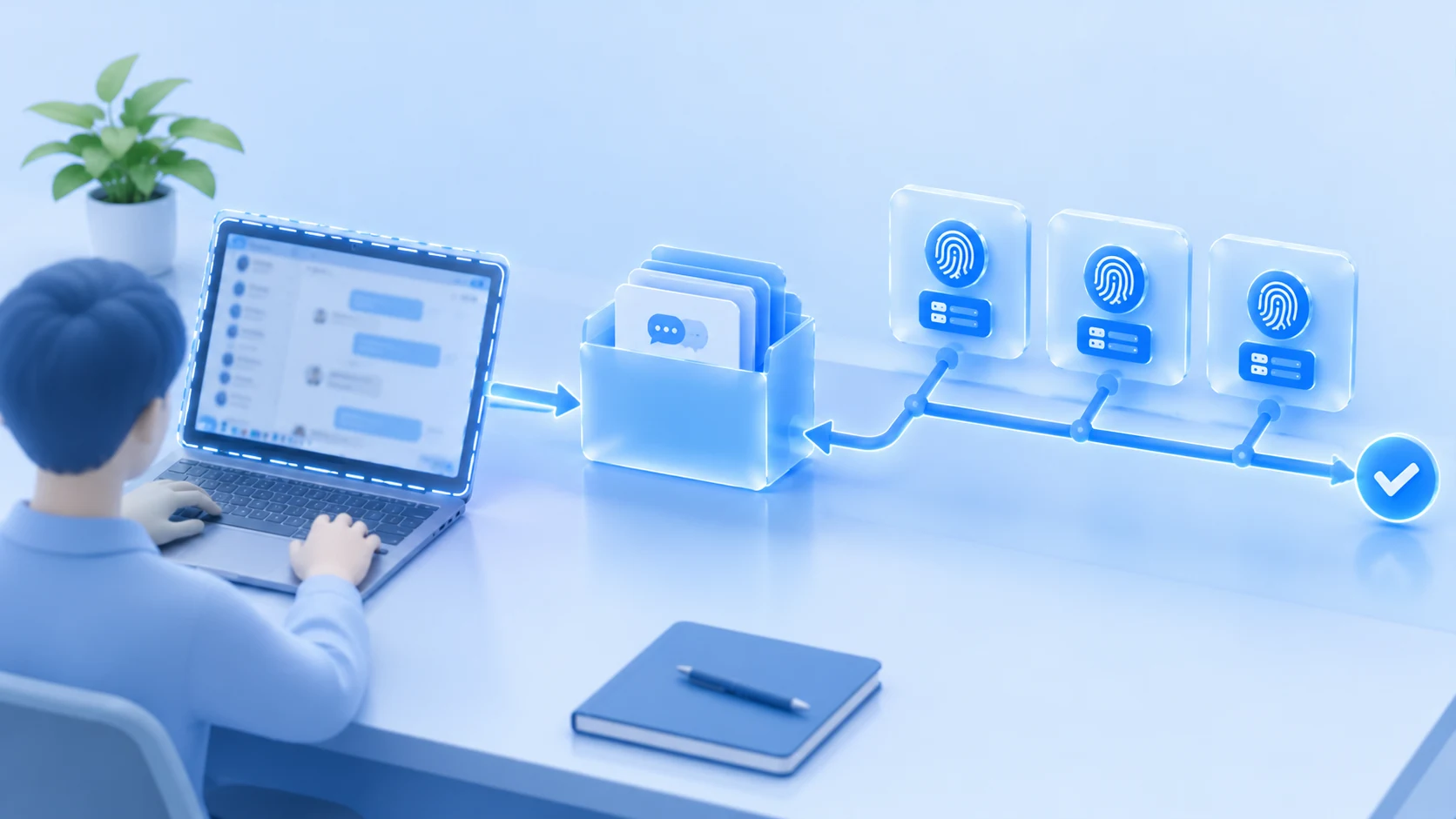
Existing history is the step most often skipped in WhatsApp chat migration. From the day an environment is activated, records grow natively inside it, but history from before activation does not appear on the new carrier by itself, and how far web sync reaches depends on what the official client actually does, which nobody can promise in full. So the method has two layers: environments handle "from now on", exported archives handle "before that".
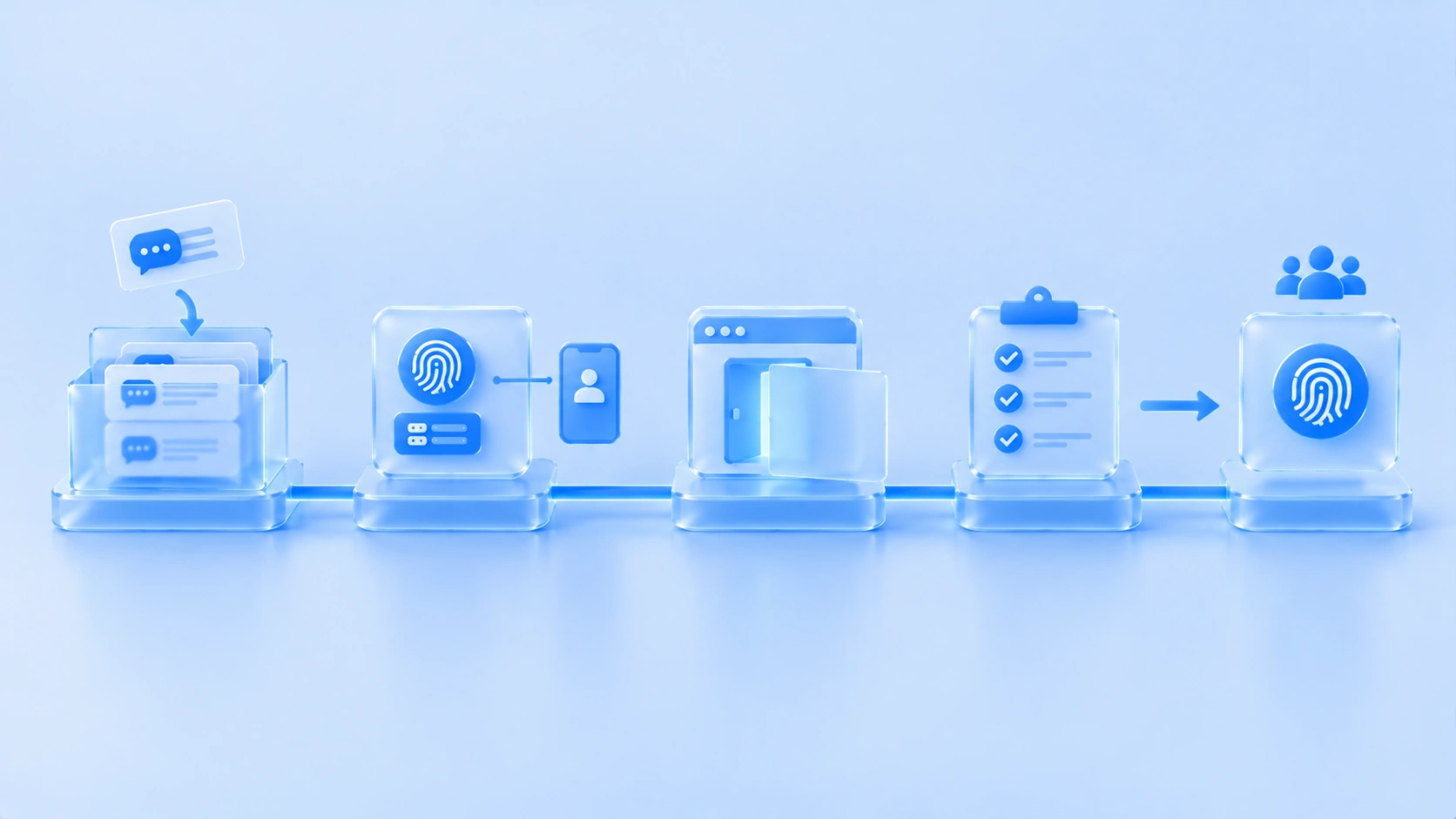
Export a backup. Use the "Export chat" feature built into WhatsApp on the phone, export each important conversation to a file, tick the box to include media, and archive by customer name into the company drive. This has to happen while the old carrier can still log in normally, because it is both the successor's historical reference and the only backup left if the number gets banned.
Create the environment and log in. Build a dedicated environment for the number, bind a fixed egress IP, and use a company phone to scan the code and complete WhatsApp Web login inside the environment. Do not hand it to the rep right after logging in; have the supervisor review the customer conversation list first and confirm everyone who should be there is there.
Cut the second entrance. On reps' personal browsers and personal computers, log out of WhatsApp Web everywhere and clear the login state, leaving the environment as the only entrance company-wide. With two entrances alive, new records grow half inside the environment and half inside a personal browser, and you only discover the gap at handover.
Run acceptance. Pick three customers at random and ask three details that could only live in the chat history: the payment method on the last quote, a certification requirement the customer raised, and the agreed reorder date. The supervisor looks them up inside the environment, and it only passes if they surface within three minutes. If not, the records are not alive in the environment and the migration is only half done.
Six Common Ways This Goes Wrong
The migration action itself is not hard; what is hard is keeping it intact afterwards. These six traps are all places real teams have fallen:
- The environment exists but personal browsers stay logged in. For convenience, reps keep using the new number in the old place. The self-check is simple: have everyone open WhatsApp Web on their usual computer and see whether it is still logged in. If it is, you are running dual tracks.
- Several numbers in one environment, or one environment shared by the whole team. Isolation granularity collapses, and handover turns back into "copy the whole thing over". The discipline is one environment per number, and the environment follows the number, not the person.
- Blasting customers "please add our new number" on migration day. What moves is the login carrier, not the number itself, so customers should notice nothing. A mass change-of-number notice only makes customers suspect a scam account, with no upside.
- Moving the environment without rebinding verification. The number's verification still sits with the departing employee, so the environment moved but the root did not. The order of rebinding verification, handing over the environment, and revoking authorization is laid out in team 2FA management, so just follow it.
- The environment follows the person across networks. A rep works from home today and travels tomorrow, and the egress IP jumps along. Bind a fixed egress to the environment so it stays put when the person moves; this discipline has to be set from day one.
- Treating the migration as the finish line. Records grow every day, so archiving needs a rhythm: export a customer's conversation the same day a big deal closes, and export active negotiations once a week. Supervisors spot-check the operation log monthly, focusing on any login records outside the environment.
Four Kinds of People, Four Authorization Approaches
Migration solves the existing stock; authorization decides the increment. Team members are not one kind of person, and a one-size-fits-all authorization model always shortchanges someone:
- New hires on probation: they chat inside the environment from day one, with no authorization to historical environments. Confirmation does not affect record ownership, because the records were never on their personal devices, so staying or leaving carries no handover cost.
- Part-timers and contractors: align the authorization period with the project period, revoke access when the project ends, and transfer the environment to a resident colleague. No long-running members, since a lingering authorization is a future hole.
- Shift-based support agents: the environment is itself a shared carrier, so a shift change is just another authorization swap. Records stay continuous, and customers do not have to re-explain their request to the night shift.
- Veteran reps who have used a personal number for years: the hardest group to move. The angle is not "we are watching you" but "we are protecting you": customer ownership is clear inside the environment, so leaving later carries no suspicion of taking customers away, and successors can read the history without coming back to ask them. Explain this well and cooperation changes completely.
Frequently Asked Questions
Can existing chat history be moved into the environment in full?
Two layers. The environment handles "from now on": records grow natively inside it starting the day it is activated. The environment cannot handle "before that": history depends on the official export, exported conversation by conversation, with media, stored on the company drive. Only both layers together count as moved.
Employees think environment isolation means surveillance. How do we explain it?
Isolation and surveillance are two different things. Members cannot see each other, supervisors do not read chat content day to day, and no line-by-line review exists. For reps this is actually protection: customer ownership is documented in the environment, so leaving carries no suspicion. Explain "mutually invisible" first and resistance drops a lot.
What gets missed most often in a WhatsApp handover when a rep resigns?
Handing over the verification method. The environment is transferred, but the verification code is still bound to the departing employee's phone, so the successor cannot get in either. Rebind verification, hand over the environment, revoke authorization, in that order.
How do we tell whether the migration has holes?
Three self-checks: on employees' usual computers, is WhatsApp Web logged out? Ask three customers for details, and can the supervisor find them inside the environment within three minutes? In the operation log, is there any login record outside the environment? Pass all three and the migration is closed.
Conclusion
Locking chats into environments was never hard because of tools; it is hard because of migration order and execution discipline. Sequence the batches, export the existing stock, accept through a single entrance, authorize the four groups differently, and avoid five of the six traps, and the system holds. For one environment per number and a dedicated egress per environment, what environment isolation means explains the mechanism in more detail; MostMate's dedicated environments and member authorization are built on the same logic, and the product page covers what it can do.
For teams that have not started, pick one company-registered number next week and try a migration: export the backup, create the environment, cut the dual entrance, and run one acceptance. Once the first number goes smoothly, the rest is only scheduling.

MOSTMATE
Secure Multi-Account Management, Made Simple
Start with your first account and use MostMate to build safer, smarter, and more efficient multi-account operations.
- Independent profiles. Consistent identities.
- AI Automation · Account Health · Team Operations



