
Fingerprint Browser Anti-detect Browser vs. Regular Browser: Where Chrome Multi-Open Falls Short
Search fingerprint browser anti-detect browser vs. regular browser and you will find the same story told a hundred ways: someone opens five Chrome profiles for five client accounts, and within two weeks two of the accounts get flagged. Chrome's multi-profile setup is free, and it genuinely solves login conflicts. The disagreement starts after the restriction lands, when the affected user starts looking for a fingerprint browser and realizes the comparison was never about convenience.
Mostmate Anti-detect Browser Official compares the two tools side by side: what each one actually isolates, which scenarios expose the difference, what it costs to migrate from Chrome multi-open to isolated environments, and how to decide whether you need to switch at all.
Anti-detect Browser Comparison: Two Tools, Two Different Jobs
Most anti-detect browser comparison pages jump straight to feature tables. The comparison only makes sense once both tools are defined, so start there.
What Is Fingerprint Browser Anti-detect Browser?
A fingerprint browser, also called an anti-detect browser, is a browser built to give every account its own independent, internally consistent device identity. Each environment inside such a browser carries its own fingerprint parameters (Canvas, WebGL, fonts, hardware values) and its own proxy, so two accounts on the same machine read as two different devices to the platform.
What Is a Chrome Browser Multi-Profile Setup?
Chrome's multi-profile setup is an account organizer: it separates local data on one device, not the device itself. Every profile keeps its own cookies, local storage, sessions and extensions, so one account logging out does not affect another.
What it does not change is anything the platform can read from the browser engine or the network: the same rendering characteristics, the same hardware signals, the same exit IP across every profile. Google designed the feature for one person switching between work and personal contexts, and it stays inside that boundary.
Both Tools Isolate Something, but Not the Same Layers
Put the isolation scope in one table:
| Dimension | Chrome multi-open | Fingerprint browser |
|---|---|---|
| Cookie and local storage | Independent per profile | Independent per environment |
| Device fingerprint | Shared by all profiles | One set of parameters per environment |
| Network exit | Shared local IP | One proxy bound per environment |
| Account ownership management | None | Environment, proxy, account and group tracked per row |
The first row explains why five profiles still get linked: when a platform reviews account association, it looks mainly at the last three rows. How device fingerprints get read, and how environment isolation works in practice, is covered step by step in our environment isolation guide. For how far the profile route can go on its own, the Chrome multi-open capability analysis maps the ceiling in detail.
Four Scenarios Where the Difference Shows Up
Isolation scope stays invisible until an account gets restricted. Four scenarios where it cashes in:
Scenario 1: One account gets limited, the others enter the review scope. Five profiles on one machine are, to the platform's risk-control system, five login points on one device. Once one account triggers a review, the others on the same device get pulled into the same investigation, and sharing one IP exit paves that path all the way.
Scenario 2: You change computers, and accounts demand re-verification. Profile login states travel with you; device characteristics stay on the old machine. The new computer reports a different Canvas, different fonts, different hardware values, so the platform sees "the same account on a different device," which is where verification prompts come from. In a anti-detect browser for bulk account management , parameters travel with the environment: open the same environment on a new computer and the platform reads the same device signals.
Scenario 3: The platform asks you to confirm your usual device, and several accounts report the same one. Security checks, unusual-login alerts and ad-account reviews can all demand a "usual device" answer. Five profiles reporting one identical hardware and rendering signature have nothing different to say.
Scenario 4: An account needs to be handed over. Profiles can be copied, but a copy carries over the whole device signature and the continuation of past activity, and after the handover there is no record of who touched what. A fingerprint browser assigns or transfers the environment to a team member instead, with the account, proxy and configuration moving together and member logs keeping the trail.
Migrating from Chrome Multi-Open: What Transfers and What Rebuilds
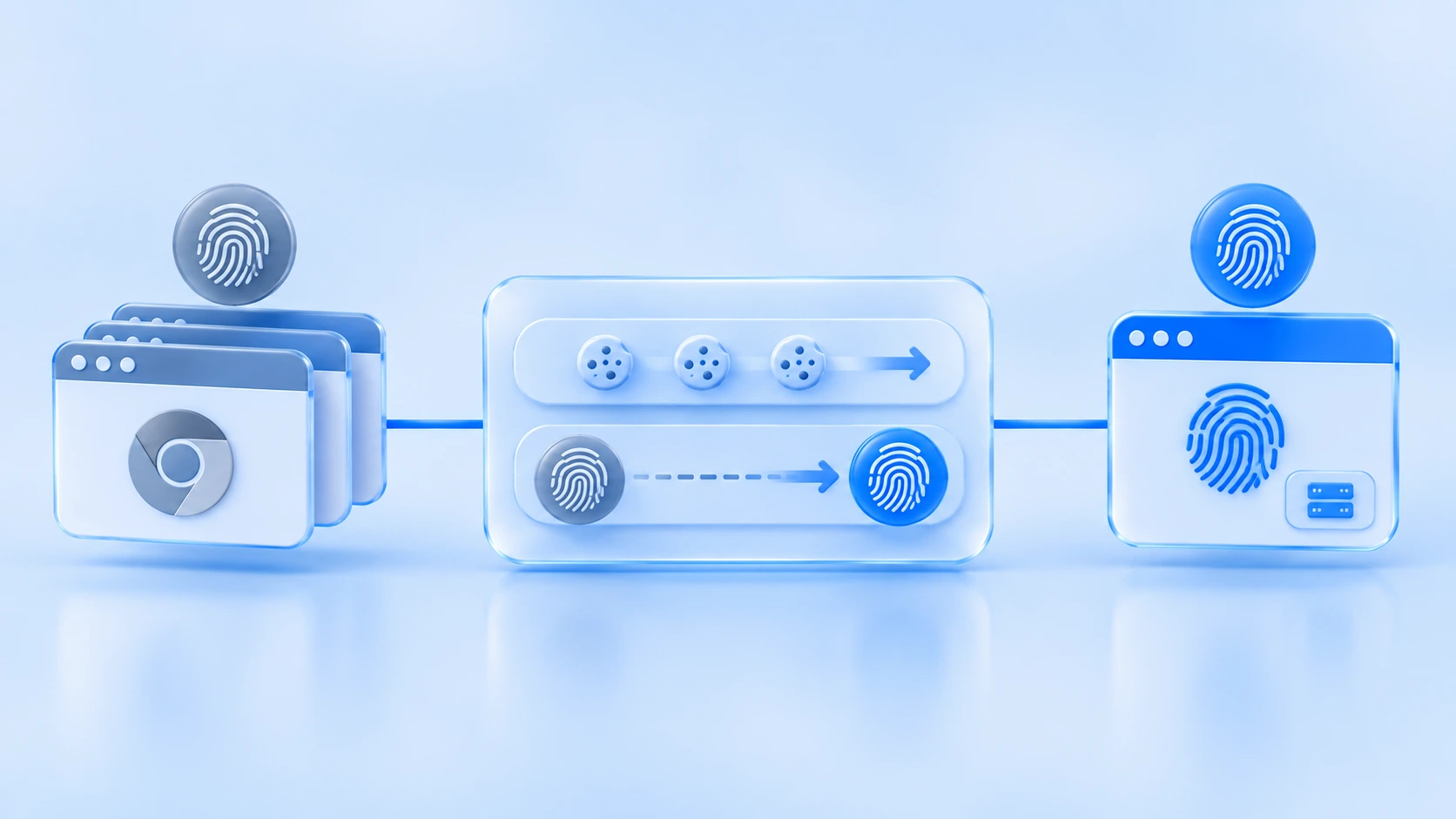
Migration cost is why most people hesitate. Split it into two layers and the picture clears up.
What transfers is the credential layer. Passwords, active sessions and cookies can all move over. In MostMate, for example, you can paste or import cookies when creating an environment, so credentials exported from an old profile skip the login step. Bookmarks and extensions are personal habits, unrelated to account safety; reconfigure them as needed.
What does not transfer is the trust the account built with the platform. An account used for two years has its login history and behavioral continuity stored on the platform side; on a new environment, the platform sees "this account just showed up on a new device." That is not a tool defect, it is the nature of account trust: trust binds to the account-and-device pair, not to the browser software.
So the reasonable expectation is: migration stops new associations from forming; it does not erase associations already recorded. In the first weeks after migration the account sits in a "new device, old account" state, so for critical accounts it pays to keep activity volume low until the platform gets familiar with the new device.
Three Variables That Decide Whether You Need to Switch
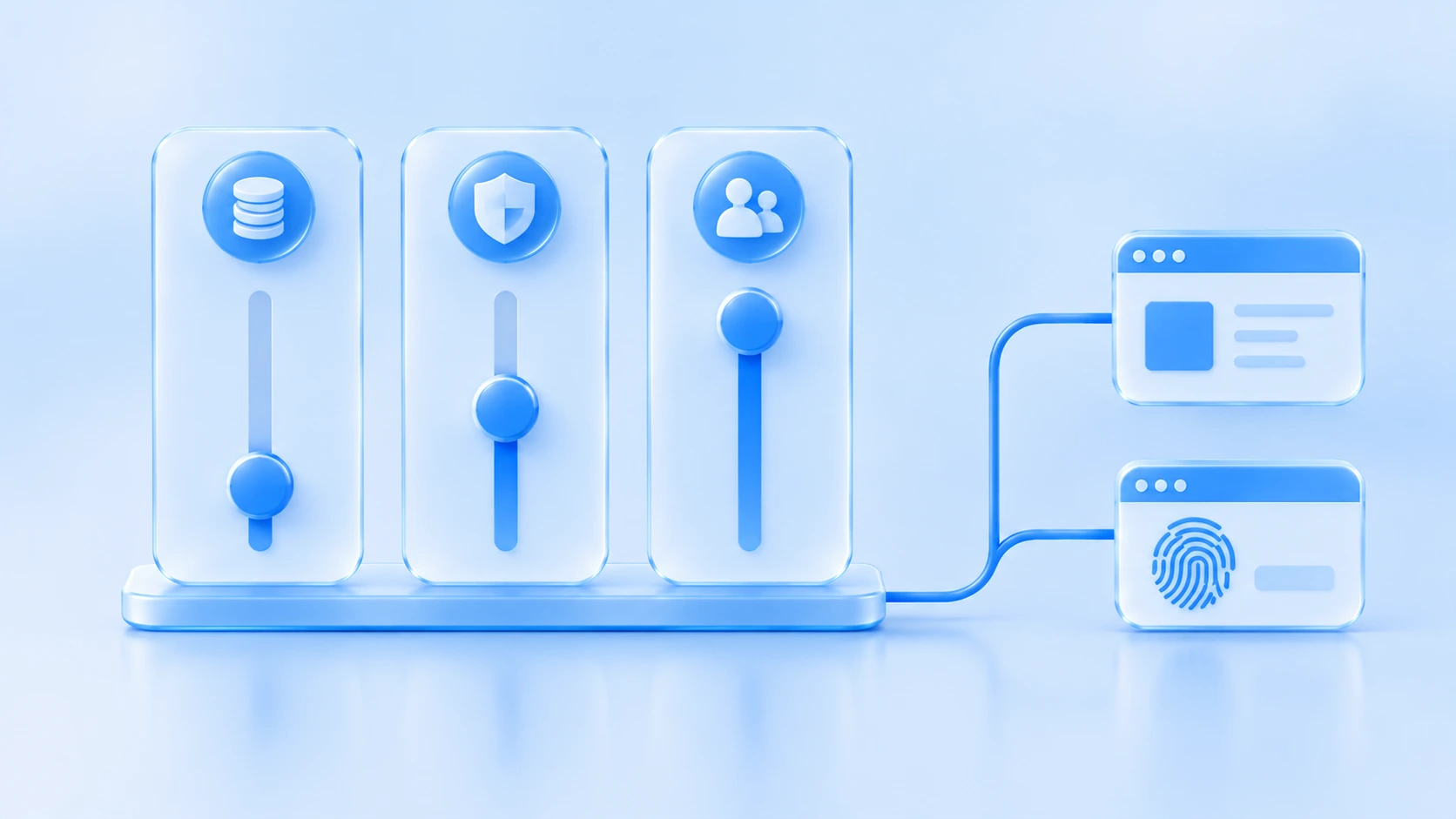
Not every multi-account need justifies a fingerprint browser. Three variables settle it:
- Account value. Throwaway registrations you can rebuild any time work fine in profiles; accounts nurtured for months, tied to payouts or client assets, cost far more to lose than a subscription costs to keep.
- Platform risk-control intensity. E-commerce, advertising and social platforms differ widely in how hard they check device association; the stricter the platform, the more the fingerprint layer and network layer need to be independent.
- Collaboration scale. The moment accounts get shared across people, you need environments that follow users and leave operation records, which is beyond what browser profiles can do.
When you start comparing vendors, a comparison search returns mostly feature lists, and vendor pages differ most in the fingerprint browser anti-detect browser features they expose: some lock parameters behind presets, others let you set Canvas, WebGL, fonts and hardware values individually.
Feature lists help with shortlisting, but each claimed capability should be tested against what you can verify: after changing parameters, open a detection page and check whether the environment actually reports a consistent set of values.
When the comparison extends beyond browsers to VPNs, VPS and virtual machines, our four-tool isolation breakdown maps which tool touches which layer, so you do not buy overlapping coverage. Some people search the whole topic without hyphens (anti detect browser comparison) and land on the same pages; the results barely differ.
Where MostMate Fits
MostMate is a fingerprint browser anti detect ; it positions itself as a beginner-friendly AI fingerprint browser. Its design maps to the three variables above.
Isolated: every environment manages its own cookies, local storage, IndexedDB, sessions, cache, fingerprint configuration and proxy. One row in the environment list is one environment's complete ownership: proxy, exit IP, bound account, group and note, all visible per row.
Consistent: language, time zone and geolocation default to IP-based configuration and align automatically once the exit is set; screen resolution, CPU cores, device memory and the font list default to real values. Before creating an environment, the fingerprint preview panel lists every current value of the setup.
Realistic and stable: parameter combinations follow real-device logic instead of random patchwork, and an environment's core digital identity stays stable over time.
On scale and collaboration, the free plan includes 2 environments and 2 member seats, enough to migrate your two most critical accounts first; the web workspace handles environment creation, configuration, sharing and team management, while opening and running environments happens in the desktop client. Check our plans in Mostmate anti-detect pricing for more details.
Anti-detect Browser Pricing Comparison: What Entry Plans Actually Cost
The cheapest tool is not always the cheapest setup: a regular browser costs nothing in money and a lot in shared identity. Here is what the entry tiers look like across the tools in this article, with list prices taken from each vendor's official pricing page (November 2026; prices change often, so check before buying):
- Regular browser (Chrome), $0: unlimited profiles and no subscription; the missing part is the product itself, since all profiles share one device fingerprint and one exit IP.
- MostMate, free to start: 2 environments and 2 member seats on the free plan; Professional adds 10 environments at $6.80/month ($40.80/year, half the $81.60 list price on yearly billing); Premium covers 100 environments at $27.50/month.
- **AdsPower, free to start**: 2 profiles free forever; the Professional tier starts around $5.4/month for 10 profiles.
- **Dolphin Anty, free to start**: 3 profiles on the free plan; Starter is $10/month for 20 profiles, Base is $89/month for 100, with up to 40% off on 12-month billing.
- **Incogniton, trial then free**: 10 profiles for the first two months, then the account drops to 3 profiles unless upgraded; Starter Plus is $13.99/month for 10 profiles, billed every six months.
Read as an anti-detect browser pricing comparison, the list above shows two things. First, every anti-detect vendor prices the free tier at a handful of environments, which is enough to isolate your two or three most valuable accounts before spending anything. Second, the regular browser row is not really the bargain it looks like: what it saves in subscription it repays in restricted accounts, because nothing in a Chrome profile prevents the platform from linking them.
FAQ
Does adding a proxy to Chrome multi-open make it a fingerprint browser?
No. A proxy only changes the network exit; the device fingerprint stays identical. Platforms read "one browser signature plus many IPs" as one device hopping networks, which is itself a risk-control signal.
Can incognito mode replace multi-open?
Incognito mode avoids leaving local traces, but every incognito window reports the same device signature, so accounts still share one identity. It suits temporary logins, not accounts you need to maintain over time.
Can switching tools recover accounts that are already linked?
A fingerprint browser cuts the channel that creates new associations; records already stored on the platform side stay. Appeal restricted accounts through the platform's own process first, then move the surviving accounts into isolated environments.
Conclusion
Chrome multi-open and fingerprint browsers do not compete; one manages login convenience, the other manages the boundary of account identity. If accounts are just casual logins, profiles remain fine. The moment accounts carry asset value, need team collaboration, or are already costing you association restrictions, the two layers worth adding are the fingerprint layer and the network layer. Put new accounts straight into isolated environments, migrate old ones in order of value, and MostMate documents the full environment and proxy setup on its site, with the desktop client ready to download.

MOSTMATE
Secure Multi-Account Management, Made Simple
Start with your first account and use MostMate to build safer, smarter, and more efficient multi-account operations.
- Independent profiles. Consistent identities.
- AI Automation · Account Health · Team Operations



