
MostMate or Multilogin? Start With the Stage Your Business Is At
The short answer: these two tools do not compete in the same weight class, so the choice is really a matter of stage. Multilogin is the established heavyweight in the category, around since 2015, and its strengths are cloud collaboration, bundled proxy traffic, cloud phones and a high-concurrency API. MostMate is the lighter option built for newcomers, strong on a free plan to start with, AI-assisted configuration and operations features that work out of the box. For teams running a few dozen accounts or fewer, watching the budget, who would rather not have interface language get in the way and who want to get a workflow running fast, the lighter tool usually comes out ahead. Once you are managing hundreds of profiles, leaning on mobile scenarios and pushing deep automation, the heavier option starts to earn its price.
The most common argument in multi-account circles starts when two tools of different weight classes get put side by side and compared on specs. Someone posts a large bill from a heavy plan and tells newcomers not to waste money. Someone else holds up a lightweight tool's free tier and asks why an established product charges that much. Both sides are only half right: one underestimates the cost pressure on a small operation, the other underestimates how much a large team genuinely needs depth.
The reason is simple. No tool is best for everyone; what matters is the fit with your scale, your budget and your team's experience. Swap "which one is stronger" for "which stage am I at" and the decision becomes obvious. This article lays out where MostMate and Multilogin each sit, the six dimensions that matter, who each one suits, and closes with three questions you can run on your own.
Where Each Tool Sits: One Hides Complexity, One Opens Depth
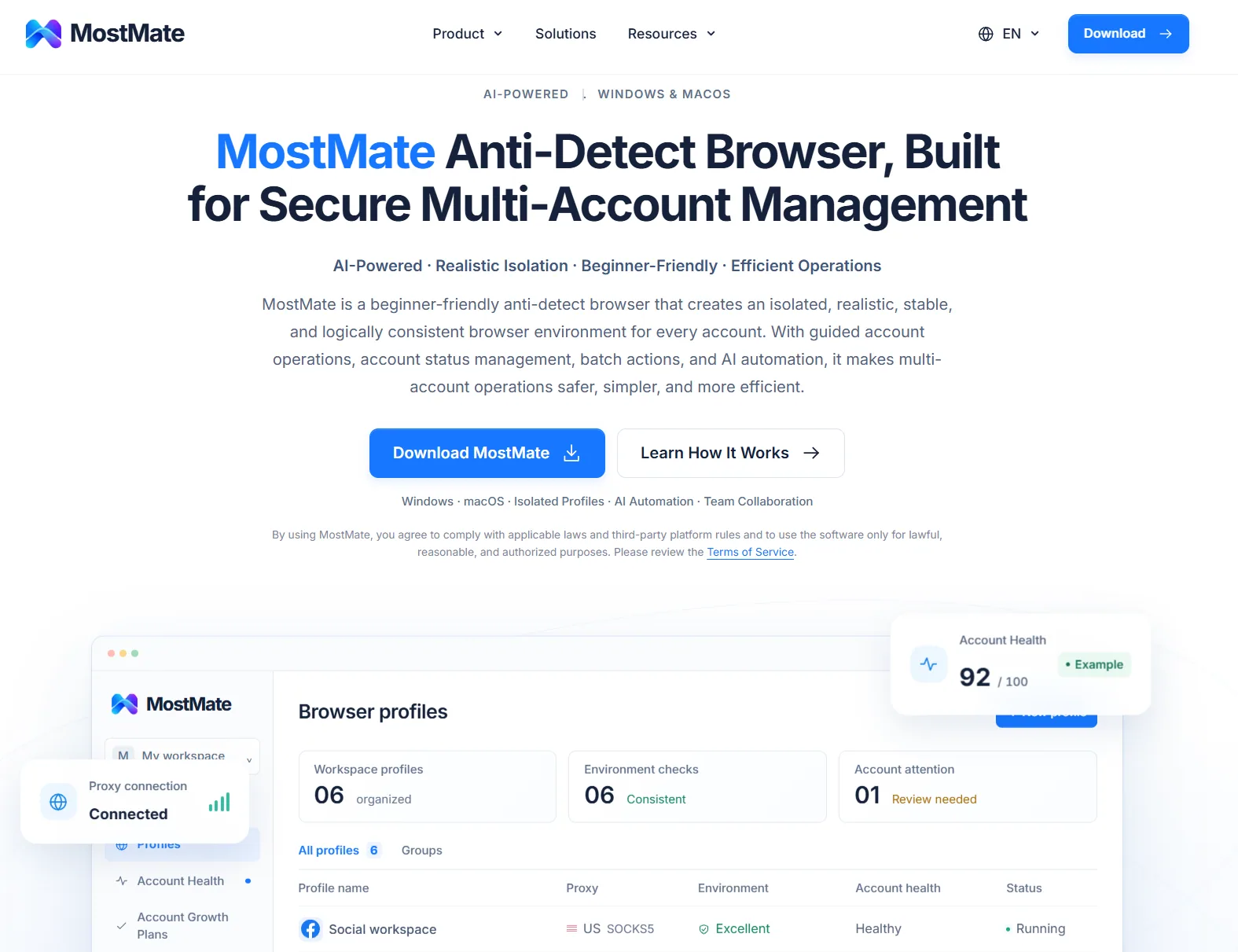
MostMate is an anti-detect browser that gives every account a browser environment of its own. It is positioned as an AI anti-detect browser for newcomers: the tricky parameters stay tucked under the hood when you create an environment, AI and recommended settings handle the configuration, and the advanced panel is there when you want finer control. For the full picture of what it does and who it suits, see the MostMate anti-detect browser overview.
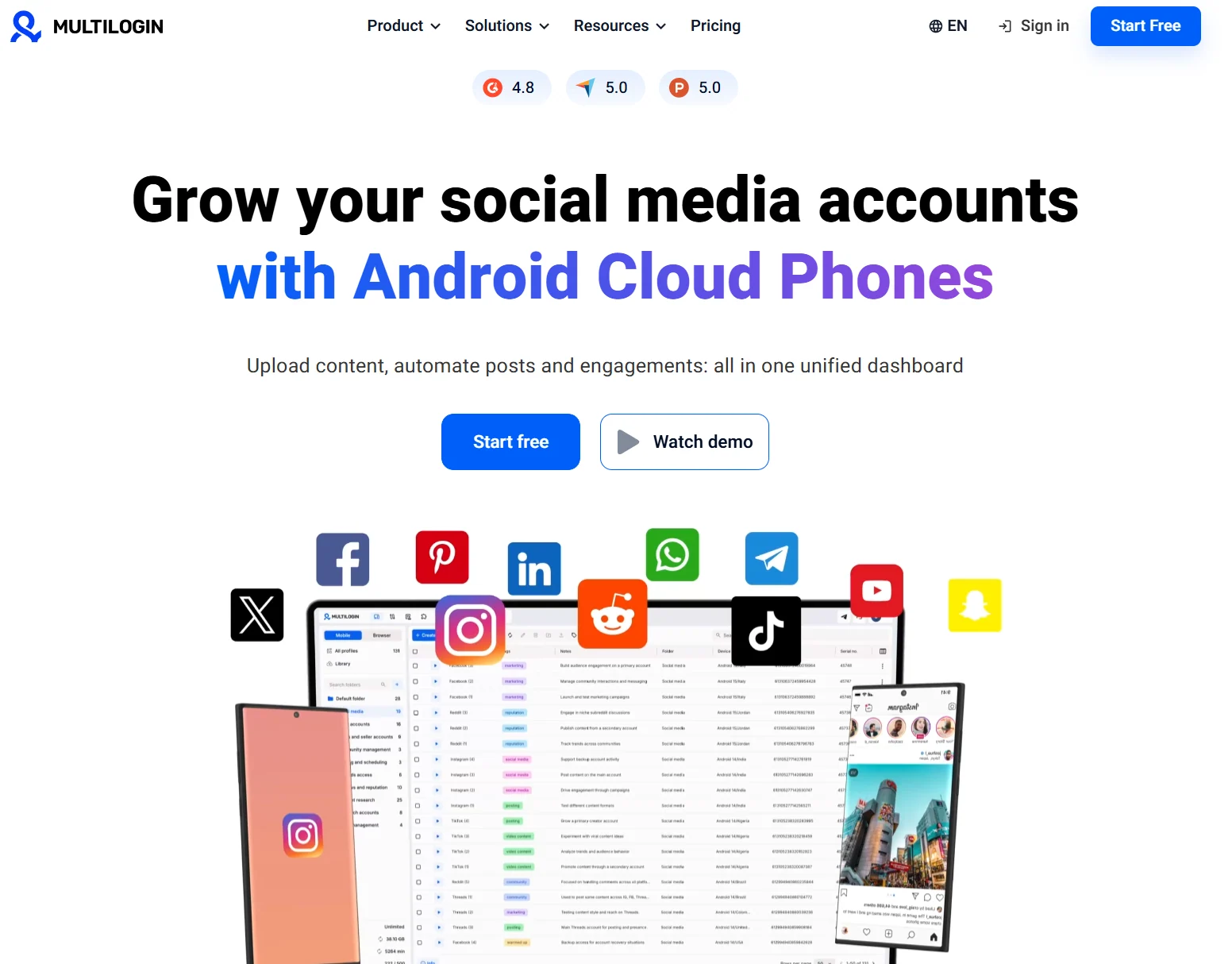
Multilogin is the veteran of the category, building anti-detect browsers since 2015, earlier than most of its peers. Its approach is heavier: profiles live in the cloud by default, which suits team collaboration; subscriptions bundle residential proxy traffic by tier; the lineup includes cloud phones for mobile scenarios; and the API works with mainstream automation frameworks such as Selenium, Puppeteer and Playwright. One line captures the difference. MostMate wraps the complexity out of sight so newcomers can start fast, while Multilogin opens deep capability to professional teams willing to pay for it.
Six Dimensions, Side by Side
Compare only along the dimensions that matter to your own business. These six are the ones most teams actually weigh.
- **MostMate** (the lighter option):
- Setup and onboarding: In the environment form, language, time zone and geolocation can be set to follow the IP. Pick the proxy and these line up with the exit automatically, with the fingerprint preview on the right showing the current values in real time.
- Price and entry point: The free plan is free forever and includes 2 environments and 2 members. The Pro plan with 10 environments costs $40.80 a year, and the higher tier with 100 environments costs $165 a year.
- Proxies: A separate proxy list keeps everything in one place. You test a proxy, then assign it to an environment, and you supply the traffic yourself.
- Teamwork: Member groups, a member list and member logs are all there, with permissions divided by environment group, and even the free plan includes 2 member seats.
- Automation: Window sync mirrors clicks and typing across several windows, the RPA flow library ships with templates organized by major platform, and the Local API comes with keys and validation so you can wire in your own toolchain.
- Interface and operations: A multilingual interface for users worldwide keeps the learning curve low. Account nurturing maps out daily actions over a 30-day cycle, so the day-to-day work comes with a ready-made checklist.
**2. Multilogin** (the heavier option):
- Setup and onboarding: Fingerprint parameters are exposed in finer detail, aimed at professional users who want to understand them, and the official documentation is mostly in English.
- Price and entry point: $1.99 buys a 3-day trial with 5 profiles and 200MB of proxy traffic. Paid subscriptions start with the Pro tier at 10 profiles, around 9 euros a month and less on an annual cycle, though the pricing page is the final word.
- Proxies: Residential proxy traffic is bundled by tier, anywhere from 1GB to 10GB, which saves you buying proxies separately.
- Teamwork: Lower tiers come without member seats, the 100-profile tier includes 2, and from the Business tier up the member count is unlimited.
- Automation: API rate limits vary by tier. It works with Selenium, Puppeteer and Playwright, and cloud phones cover mobile accounts as well.
- Interface and operations: There is a large body of English documentation and community discussion, built up over many years, with plenty of searchable experience posts.
When Multilogin Fits Better
The heavier option charges more for a reason, and these are the cases where the premium pays off:
- Hundreds of profiles and a team working from different locations, where cloud storage is less trouble than syncing locally.
- Mobile accounts are part of the business, calling for something beyond a browser such as cloud phones.
- You would rather not source proxies yourself and value residential traffic built straight into the subscription.
- Automation means high-concurrency script pipelines that depend on deep integration with frameworks like Selenium and Playwright.
- Your team already works comfortably in English, and the budget has room for it.
When MostMate's Lighter Option Fits Better
For most growing businesses, the lighter option adds up better:
- A few dozen accounts or fewer: get the workflow running on the free plan's 2 environments, move up to Pro when you need more, and your starting cost stays close to zero.
- Nobody tunes fingerprints full time: you want language, time zone and geolocation following the IP automatically rather than set field by field.
- Your proxies are already in place: what you need is testing, a check on where each one is based, and the ability to assign it to the right environment.
- The team would rather interface language not be a barrier, and wants operational work on a ready-made rhythm. The 30-day checklist in account nurturing is built for exactly that.
- The efficiency you are after is bulk management and multi-window sync, not high-concurrency scripts.
If you are still unsure whether the lighter option fits, Who MostMate is for breaks it down by type of user, so you can see where you land.
The same budget buys more when it goes into capability that matches your scale. Run the real numbers: a team of up to ten people with a few dozen environments, starting on the free plan and paying annually as it grows, will typically save more than a full tier compared with the entry subscription of a heavier option.
Three Questions That Settle the Choice
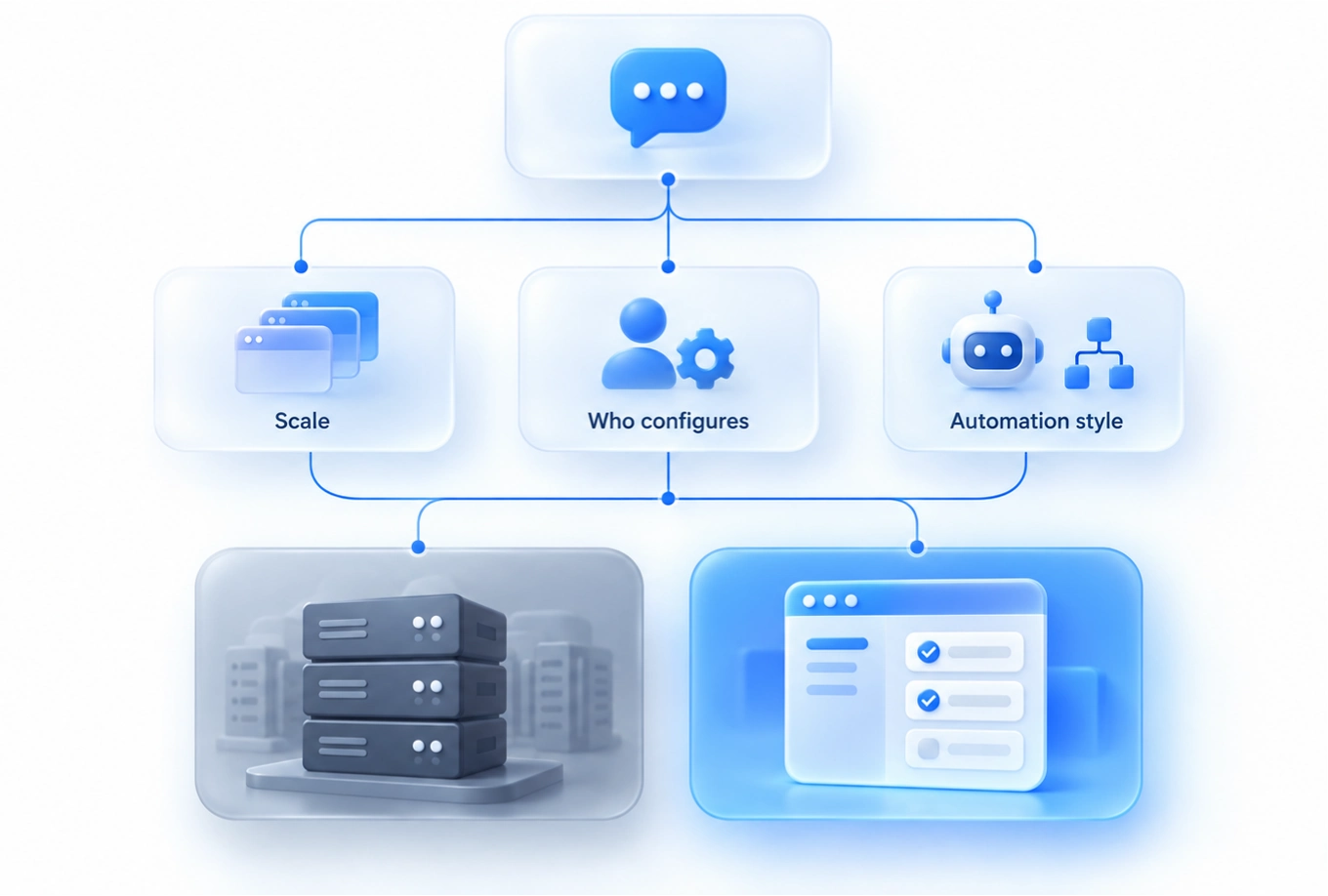
Run through these three and the answer is usually obvious:
- How many accounts do you hold now, and how many in six months? A few dozen or fewer and the lighter option's tiers cover you completely. Aiming at hundreds or thousands, go straight to the heavier one.
- Who configures the environments? If someone tunes parameters and understands fingerprint details, the heavier option's openness is an advantage. If you would rather the tool align most signals for you, the lighter option's recommended settings save the work.
- What shape does your automation take? Clicking and typing across windows, or running routine interactions from platform templates, and window sync plus the RPA flow library are enough. If you are plugging your own script framework in for high concurrency, weigh API compatibility in favor of the heavier option.
FAQ
Does Multilogin have a free plan?
There is no long-term free tier at the moment. Entry is a 3-day trial for $1.99 with 5 profiles and 200MB of proxy traffic, and paid subscriptions start with the Pro tier at 10 profiles. Prices move with the tier and the billing cycle, so the pricing page is the final word.
Is the MostMate free plan enough?
For one person or a pair just getting started, it is enough. Two environments and 2 members let you try the whole flow: creating an environment, managing proxies, configuring fingerprints and working as a team. Once you push against the environment or member limit, upgrade to Pro as needed. If you want to start from zero, the MostMate getting started guide runs through the complete flow.
Can data be migrated between the two tools?
Environments in an anti-detect browser each carry their own fingerprint parameters and local data, and there is no general migration path between products. The usual approach is to rebuild environments one by one and set up proxies again. Whichever direction you move, run one or two low-stakes accounts in the new tool for a couple of weeks first, and only move everything over once they hold up.
Is the lighter option weaker at protection?
No. Whether environments end up linked depends on how cleanly they are separated and whether the parameter combinations stay realistic and consistent, not on what the tool costs. What makes a tool dependable is how it handles four things: independence, consistency, realism and stability. How environment isolation works covers that in full.
Final Thoughts
The answer to the which-tool question is never on a spec sheet; it sits in the stage your own business has reached. Small, in a hurry to start, on a tight budget: learning the free plan properly beats paying up front for capability you will not use. Once the scale is there and collaboration and automation have grown complicated, it is not too late to look at the heavier option. Let the tool follow the stage, and both cost and risk stay manageable. If you decide to start light, you can read what MostMate is and then download MostMate, get your first isolated environment running on the free plan, and let the plan grow along with the business.

MOSTMATE
Secure Multi-Account Management, Made Simple
Start with your first account and use MostMate to build safer, smarter, and more efficient multi-account operations.
- Independent profiles. Consistent identities.
- AI Automation · Account Health · Team Operations



